Browser extension
Score any page before you spend on it.
The VERZE extension gives every page an ad readiness score out of 100 and shows the reasons behind it. Free, no account. The score is computed in your browser.

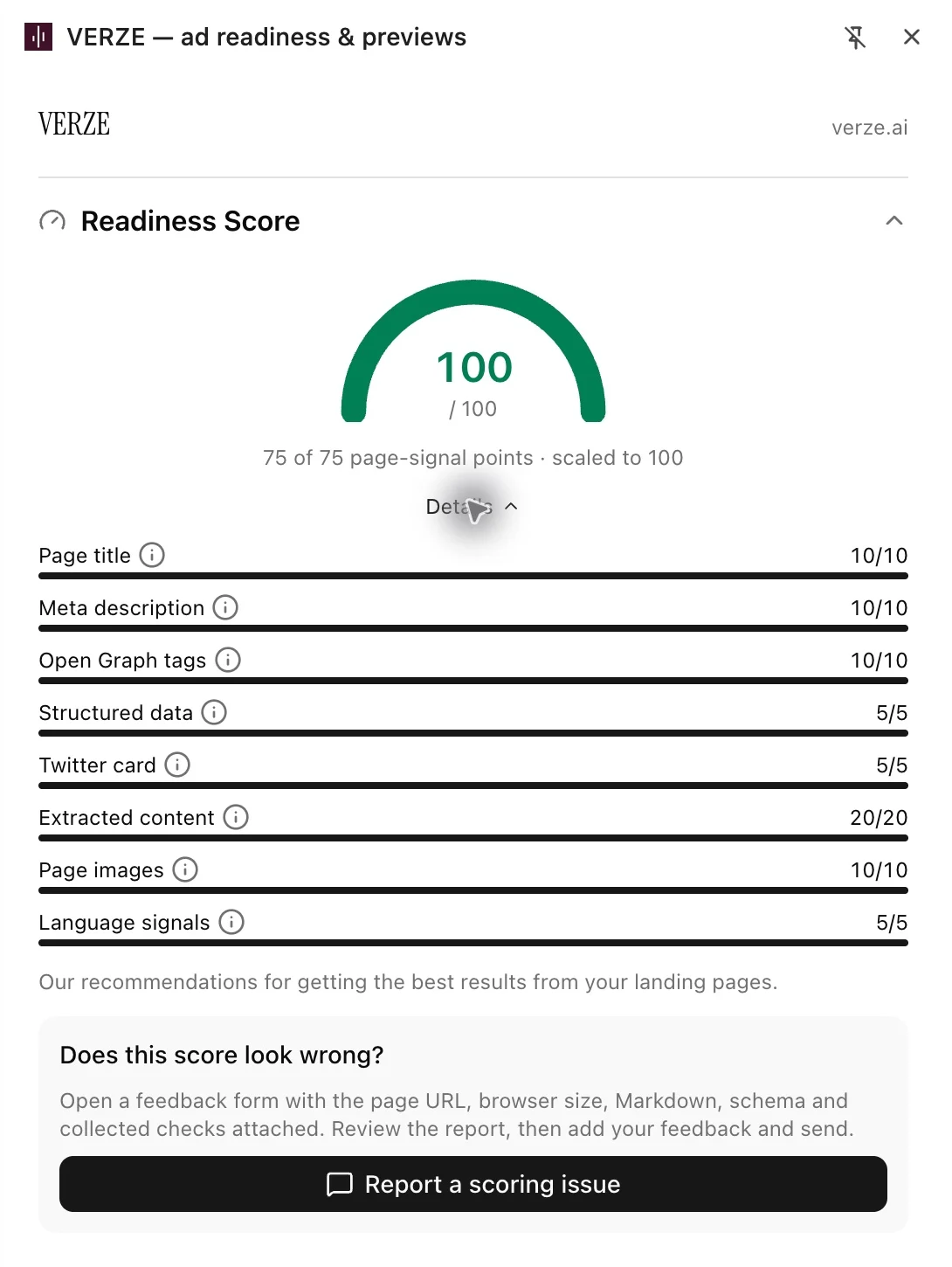
Eight checks on the page itself.
The extension reads what ad platforms read from a landing page, an article or an offer page. Every check carries points and the breakdown says what to fix.
- Page title
- 10 points
- Meta description
- 10 points
- Open Graph tags
- 10 points
- Structured data
- 5 points
- Twitter card
- 5 points
- Extracted content
- 20 points
- Page images
- 10 points
- Language signals
- 5 points
75 page-signal points, scaled to 100.
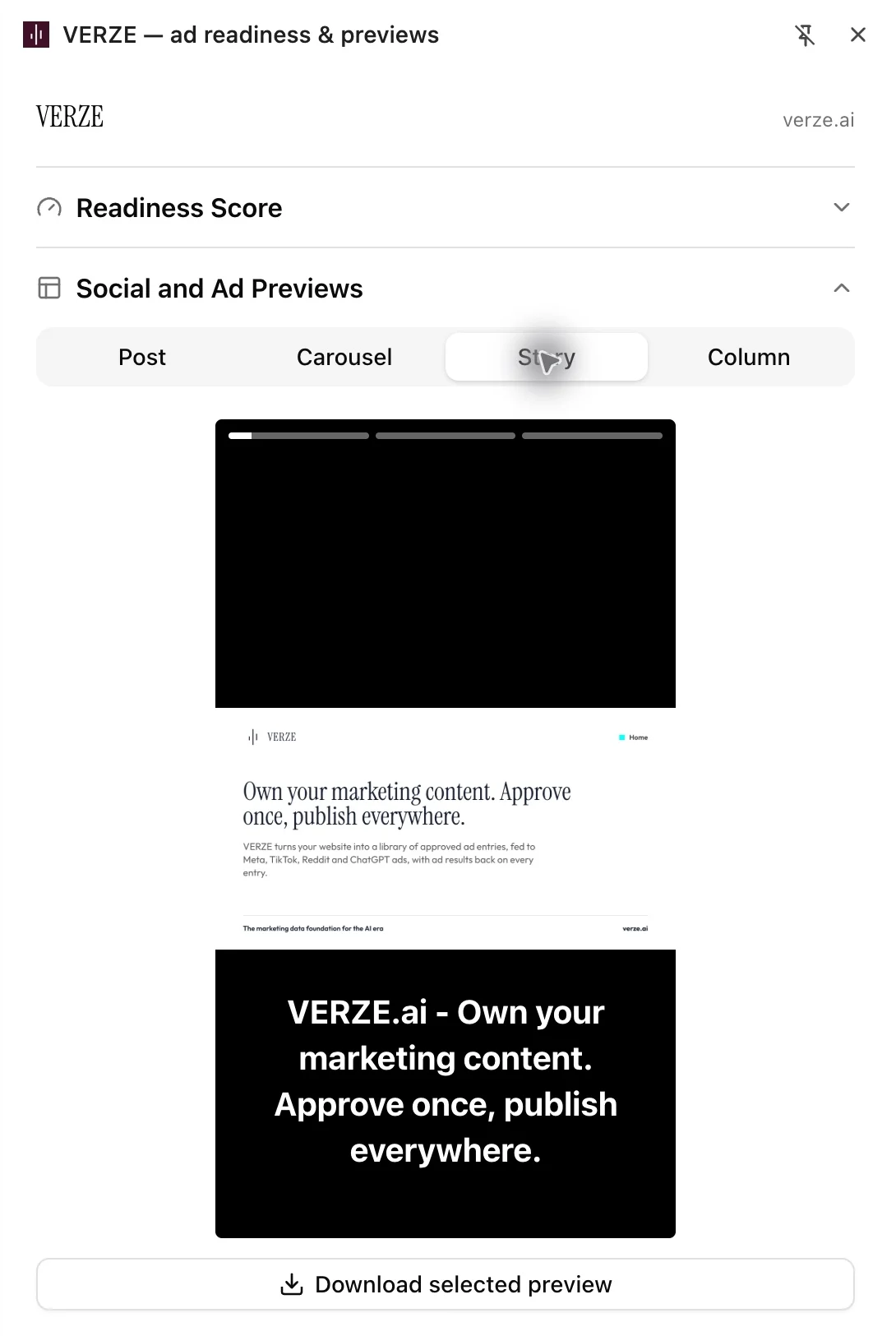
Four Meta placements, from the page’s own tags.
Under the score the page is rendered as a feed post, a carousel, a story and a right-column ad, built from its own metadata and images. Download the selected preview as a PNG.
- Post
- Carousel
- Story
- Column
New in 1.1.0 · Media
Find the image your ad can use.
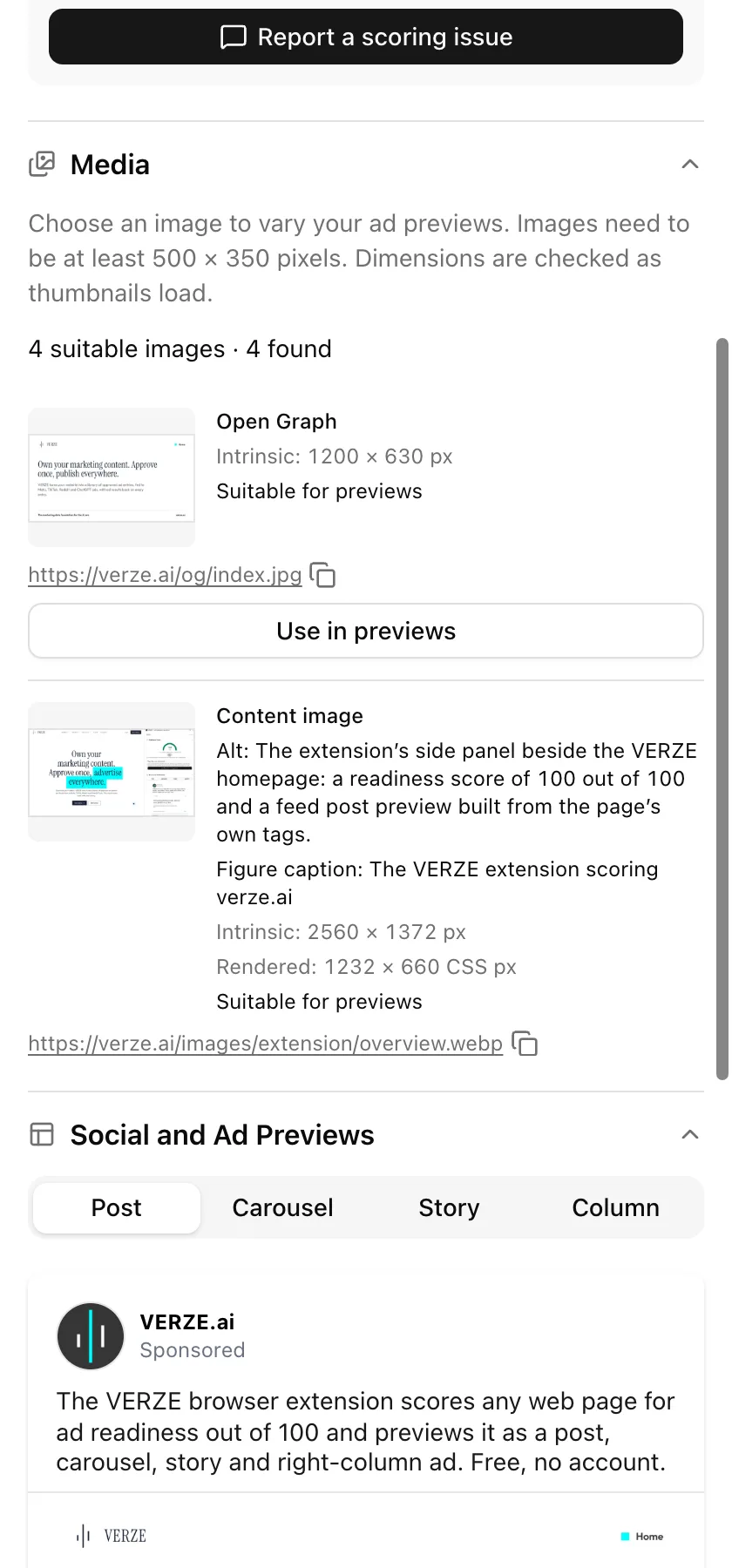
The Media section finds the images on the page and shows their size, alt text and captions. It flags content images without alt text and marks images large enough for ad previews: at least 500 × 350 pixels. Pick an image to use it in the previews.
Free on Chrome, with no account. Scoring runs once per full page load; live updates run only while the panel is open.
More in the same panel.
Crawler and AI discovery
Check llms.txt, robots.txt and sitemaps without leaving the tab. These checks run only when you click.
Markdown and structured data
Copy the page’s article as Markdown or its JSON-LD to your clipboard.
Metadata and icons
Inspect the page’s metadata, favicons, app icons and touch icons.
It runs in your browser.
Pages are scored locally once per full page load and the score shows on the toolbar icon. Live updates run only while the panel is open. No page data leaves your browser unless you choose to send a feedback report.
No account
Every feature in version 1.1.0 works without signing in.
No history, no analytics
Results stay in memory and are discarded when the tab closes.
Feedback is your call
A report is sent only when you press Send feedback. You can review it first.
The same checks VERZE Core runs.
VERZE Core gives every entry in your library a quality score. The extension runs the same page checks, verified against one shared set of test fixtures. Core adds the server-side checks a browser cannot measure.
Ready to get started?
Book a personalized demo and explore how VERZE's enterprise-grade platform can be tailored to your precise business needs.